Product photos do a lot of work in Shopify. They show color, shape, texture, packaging, and scale. But on product pages and paid campaigns, static images often have to compete with fast-moving feeds where motion earns attention.
The challenge is that traditional product video production is expensive. It requires a shoot, editing, export settings, brand direction, and often a new round of work for every campaign format.
The Problem: Video Is Useful, but Production Is Heavy
Many Shopify merchants already have strong product photography. What they often do not have is a simple way to turn those assets into short videos for product pages, ads, Reels, TikTok-style placements, or seasonal campaigns.
This creates a gap. The brand has images, the marketing team needs motion, and the product page would benefit from richer media. But the process is too slow for everyday merchandising.
Where Short Product Videos Help
- Product pages: Motion helps shoppers understand material, shape, and usage context faster.
- Paid ads: Short video variants give teams more creative angles without planning a full shoot.
- Seasonal campaigns: Existing products can be presented in fresh environments for launches, holidays, and promotions.
- Social formats: Vertical, square, and horizontal exports support different placements from the same product base.
- Retargeting: A subtle loop can make a familiar product feel more dynamic without changing the core offer.
What a Good Workflow Needs
A practical Shopify video workflow should start from the assets merchants already have. It should not require a studio for every product refresh.
- Image-to-video generation: Turn existing product photos into short videos.
- Templates: Start quickly with repeatable motion styles and environments.
- Prompt control: Adjust motion, setting, duration, aspect ratio, and loop behavior.
- Preview steps: Review AI-transformed images before committing to video generation.
- Shopify attachment: Add finished videos back to product media without manual download and upload work.
How Movified Helps
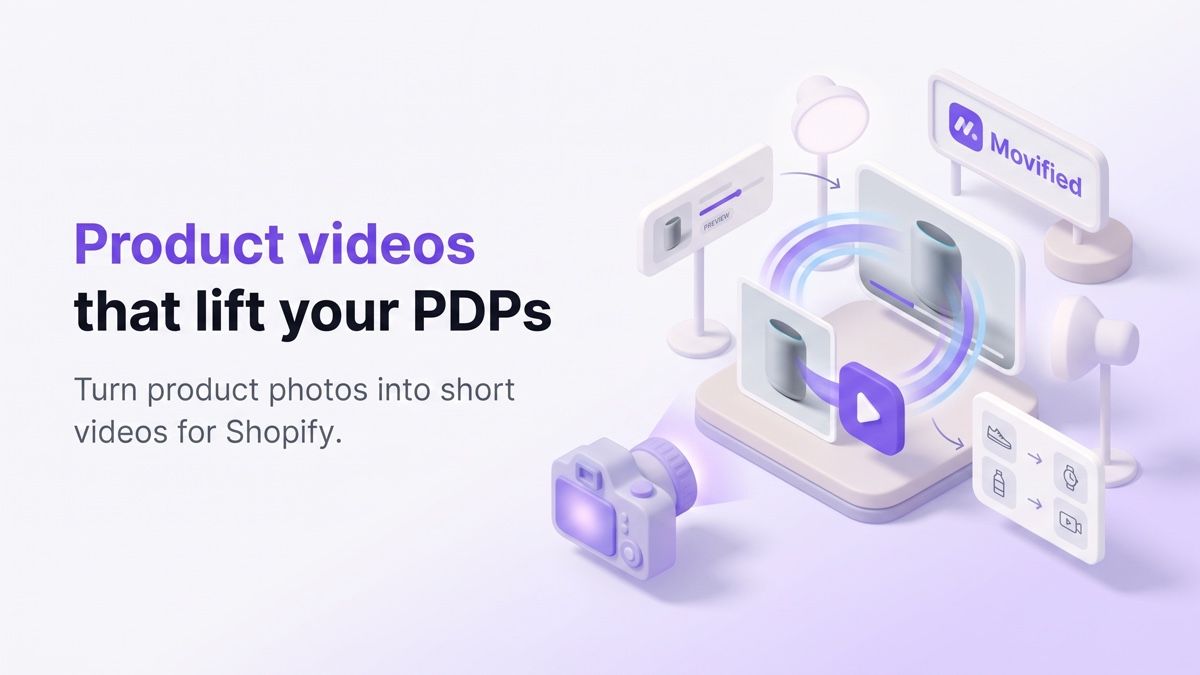
Movified turns product photos into short, seamless videos directly from the Shopify admin workflow.
Merchants can choose a template or customize prompts to control motion, style, duration, aspect ratio, and loop behavior. If the starting image needs improvement, Movified can optionally enhance or transform it before rendering the final video.
Finished videos can be attached to Shopify product media, making the output useful for product detail pages as well as creative testing across paid and organic channels.
A Simple Content Checklist
- Which products deserve richer product-page media?
- Which bestsellers need more ad creative variations?
- Which products could benefit from seamless loops?
- Do you need vertical, square, or horizontal outputs?
- Should the video stay clean and product-focused, or use a seasonal environment?
Try Movified
If your store already has product photos, you can test Movified on the Shopify App Store and turn those images into short videos for product pages and campaigns.