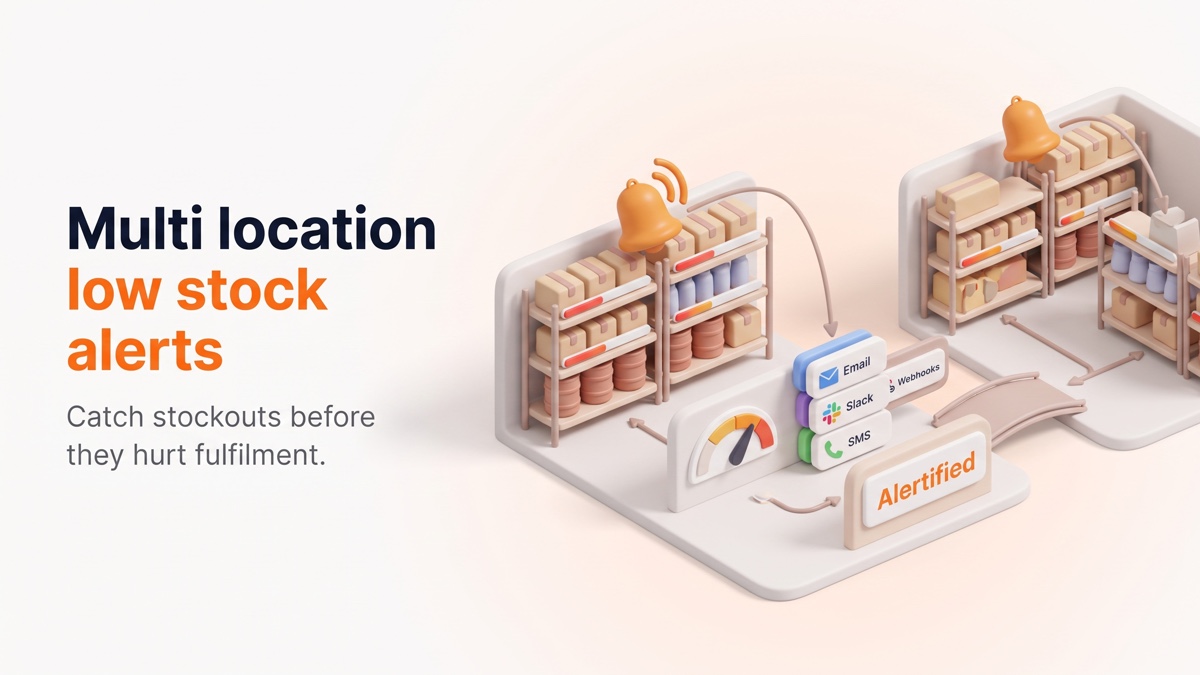
Low stock is easiest to fix before it becomes a stockout. The problem is that Shopify inventory changes constantly, especially for stores with many variants, multiple locations, fast-moving SKUs, or component-based products.
If the right person does not see the problem at the right time, a preventable stock issue can become a fulfillment delay, missed sale, or manual operations fire drill.
The Problem: Stock Issues Are Usually Local
A product can look healthy at the total-store level while one location is almost empty. One size can be running out while other variants are fine. A warehouse can need replenishment while a retail location still has stock.
This is why simple product-level checks are often not enough. Teams need threshold logic that understands variants, locations, and the people responsible for each part of the operation.
Who Benefits From Low-Stock Alerts?
- Multi-location merchants: Warehouses, retail stores, and fulfillment points need different thresholds.
- Variant-heavy catalogs: Sizes, colors, and formats can run low independently.
- Operations teams: Buyers, warehouse staff, and store managers need alerts in the channels they actually use.
- Large catalogs: Bulk import, filtering, grouping, and pagination matter when thousands of SKUs need rules.
- Assemblified users: BOM, raw-material, sub-assembly, and pre-assembled stock can need their own thresholds.
Manual Monitoring Does Not Scale
Many teams start with a daily inventory check or a shared spreadsheet. That can work for a small catalog, but it breaks down when stock changes between checks or when different people are responsible for different locations.
The result is usually reactive work: someone notices a problem after a product is already out of stock, after a transfer is late, or after a customer-facing issue appears.
What a Good Alert Workflow Needs
- Thresholds: Alerts should trigger at or below the chosen stock level, not only at zero.
- Variant and location precision: Each SKU and location can need a different rule.
- Multi-channel routing: Email, Telegram, Slack, Discord, Teams, webhooks, and ntfy can route alerts to the right workflow.
- Bulk management: Large catalogs need CSV import, bulk edit, dedupe handling, filters, grouping, and pagination.
- Activity logs: Teams should be able to see what triggered and when.
How Alertified Helps
Alertified monitors product variants across locations and triggers alerts when inventory is at or below the configured threshold.
Merchants can choose who gets notified and through which channel. This makes it possible to route warehouse alerts to operations, store alerts to local teams, and technical workflows to webhooks.
For larger catalogs, Alertified supports bulk import and bulk edit workflows with dedupe handling, filtering, grouping, and pagination. That matters because inventory alerting only works if the rules can be maintained without creating another manual spreadsheet.
Alertified also works with Assemblified, extending low-stock alerting into BOM-driven workflows such as raw materials, sub-assemblies, Bills of Materials, and pre-assembled stock.
A Quick Alert Setup Checklist
- Which variants stock out most often?
- Which locations need their own thresholds?
- Who should receive alerts for each location or product group?
- Which channel will get the fastest response from the team?
- Which BOM materials or sub-assemblies need separate alert rules?
- How often should old alert rules be reviewed?
Try Alertified
If your team manages inventory across variants, locations, or BOM-driven products, you can test Alertified on the Shopify App Store and route low-stock alerts to the people who can act on them.